
Create Goal ID
Choose the account creation path that matches your record.
Faculty, staff, current students, and admitted applicants should start with their 10-digit Goal Get It! ID. Sponsored guests should use a sponsorship code or a registration ID from their invitation.
If you previously had a Goal ID, stop here and use recovery instead. Goal IDs become permanent after account creation is completed.
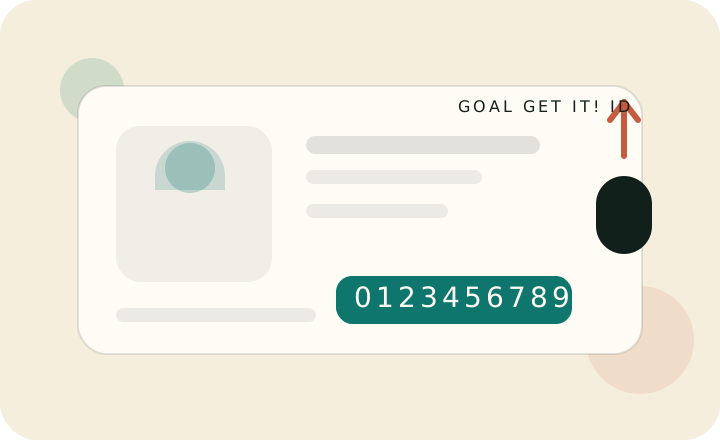

I am faculty, staff, or student
(I have a Goal Get It! ID)

I have a sponsorship code

I have a registration ID
Questions?
Where can I find my Goal Get It! ID?
Faculty, staff, and students should use the 10-digit Goal Get It! ID already associated with their official record.
- Students can use admissions, enrollment, or registrar materials.
- Employees can use onboarding documents or official organizational records.
If you should have a Goal Get It! ID but cannot determine it, contact the Goal Get It! IT Service Desk at the Helpdesk request form.
Where can I find my sponsorship code?
Sponsored guests receive sponsorship details from their sponsor. Ask your sponsor which creation method you should use before starting.
Where can I find my registration ID?
Only sponsored guests who received an invitation email will have a registration ID.
- Check your spam or trash folder for the invitation email.
- Ask your sponsor to confirm the correct email address was used.
- If the sponsor used the correct email address and no invitation arrived after 24 hours, contact the Goal Get It! IT Service Desk.
How do I create a Goal ID from a sponsorship invitation?
If your sponsor sent a registration ID, start with the registration ID path on this page. If your sponsor sent a sponsorship code instead, use the sponsorship code path.
What if I already had a Goal ID before?
Do not create another one. A Goal ID becomes permanent after account creation is completed. Use account recovery or contact the Helpdesk if you need access to an existing account.